Claude Skills: what they are and how to use them
Claude Skills explained: what goes into a skill, where Claude Code skills live, how they load and how to add ready-made skills from GitHub.
· 4 min read
Claude Skills are ready-made instructions that Claude loads on its own when a task calls for them. You describe once how to review code, format a report or prepare a release, and the agent does it the same way every time. This guide covers what a skill is made of, where it lives, how to call it and where to find ready-made ones.
If you are just starting out, read what Claude Code is and how to use it first, since that is where skills are used most.
What Claude Skills are
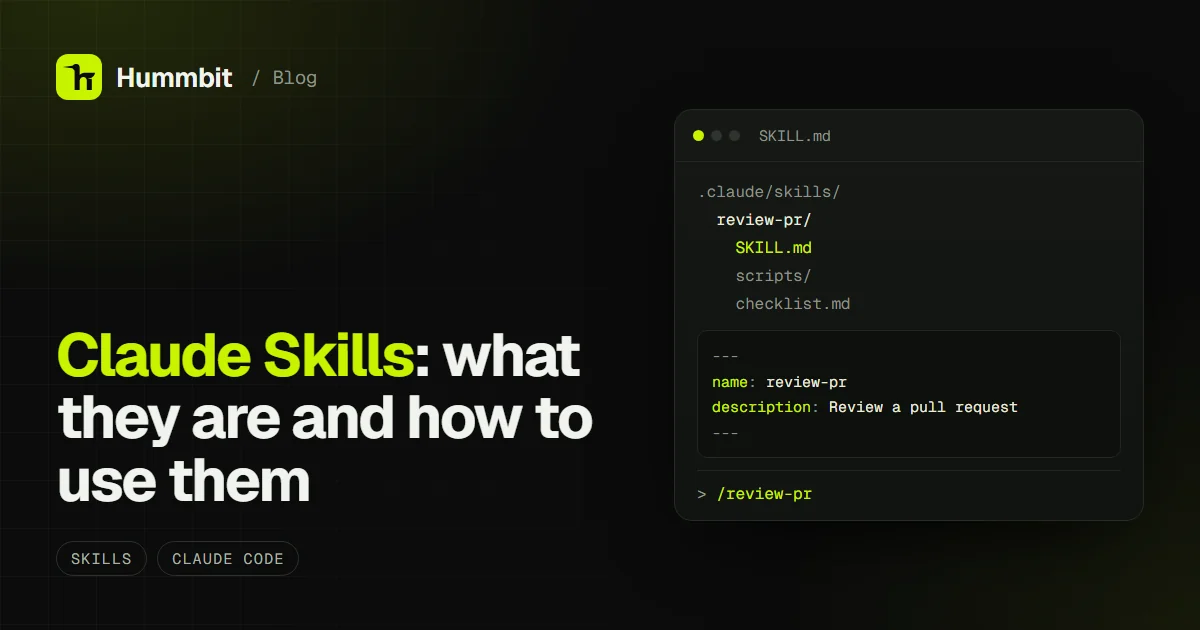
A skill is a plain folder with a SKILL.md file. The file starts with a short header holding a name and a description, followed by the instructions in plain text. Next to it you can keep scripts, templates and reference files the task may need.
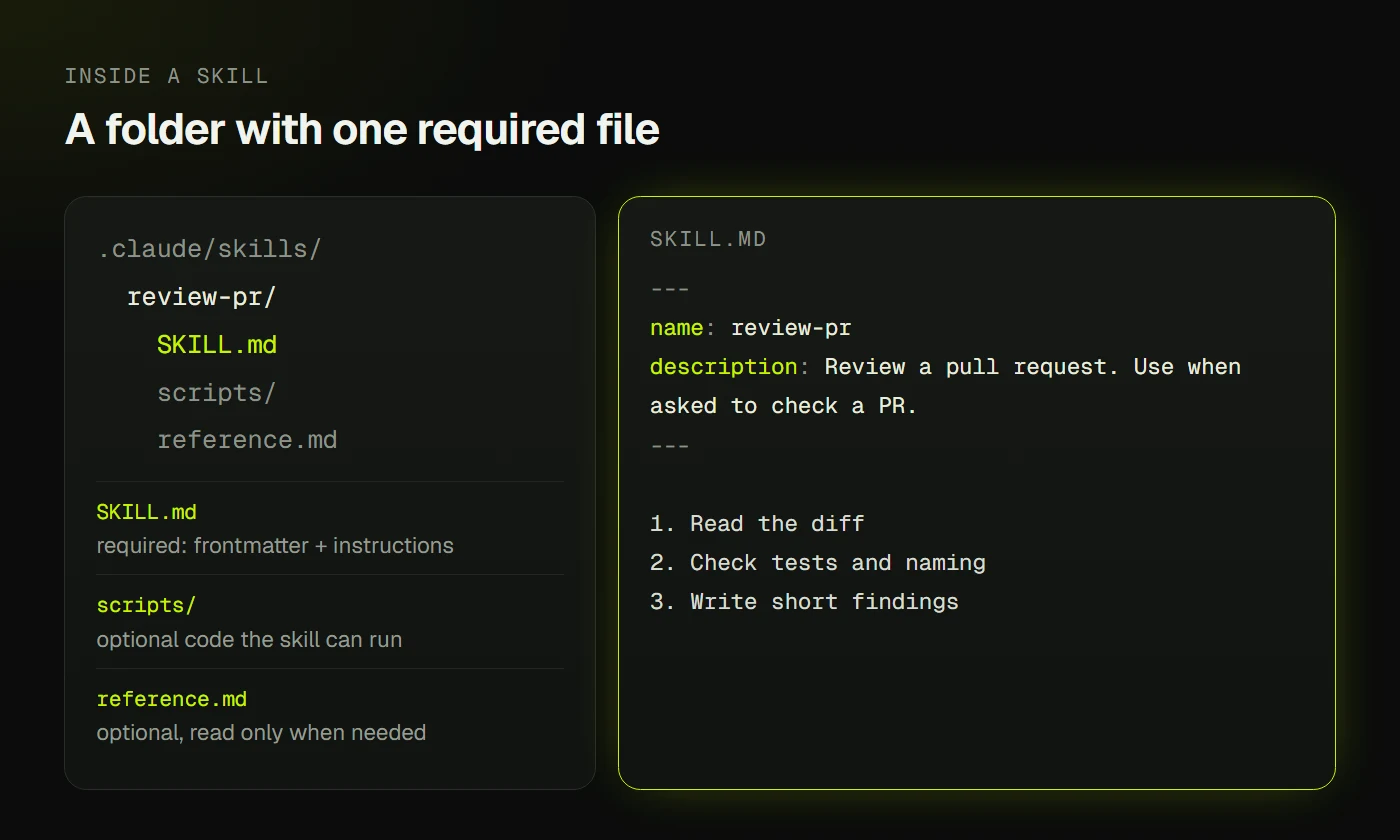
The most important header field is the description. Claude uses it to decide when the skill is needed, so state both what the skill does and when to use it. Keep the file itself short, under five hundred lines, and move details into separate files next to it.
How Claude loads a skill
Skills do not clog the model's memory. Loading happens in three levels, and at each one Claude takes only what the task needs.
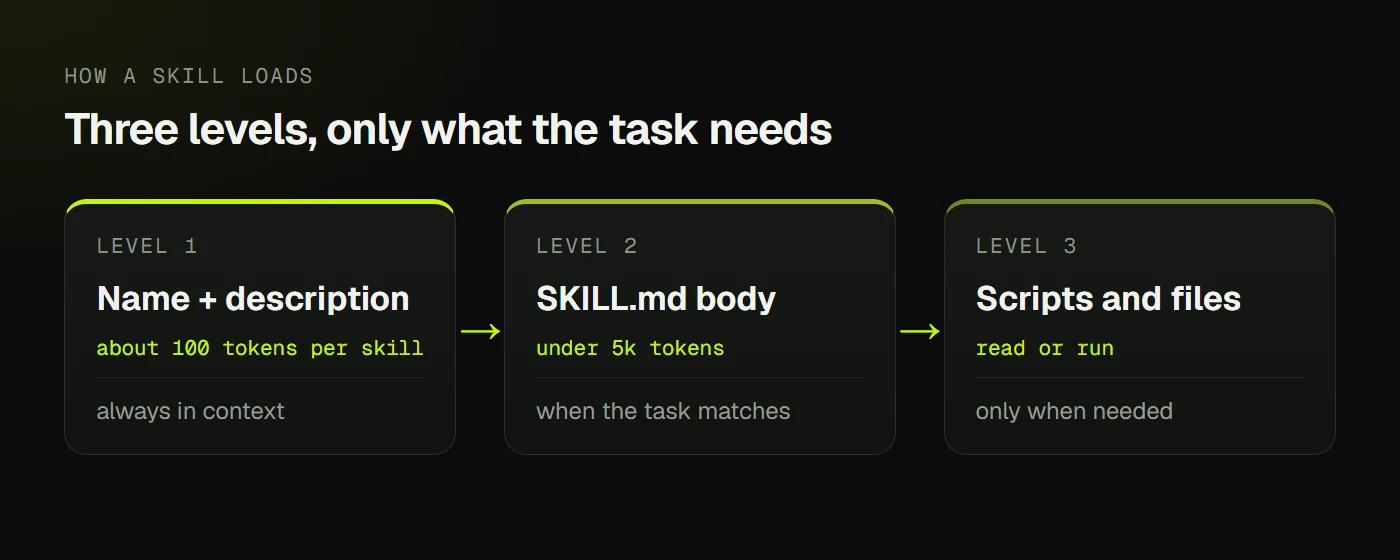
| Level | What loads | When |
|---|---|---|
| First | name and description, about 100 tokens | always |
| Second | the full SKILL.md body, under 5k tokens | when the task matches |
| Third | scripts and reference files | only when needed |
That is why you can keep dozens of skills installed: until one is needed, it takes up a couple of lines. How tokens are counted and how much fits in context is covered in Claude tokens: how to count them.
Claude Code skills: where they live and how to call them
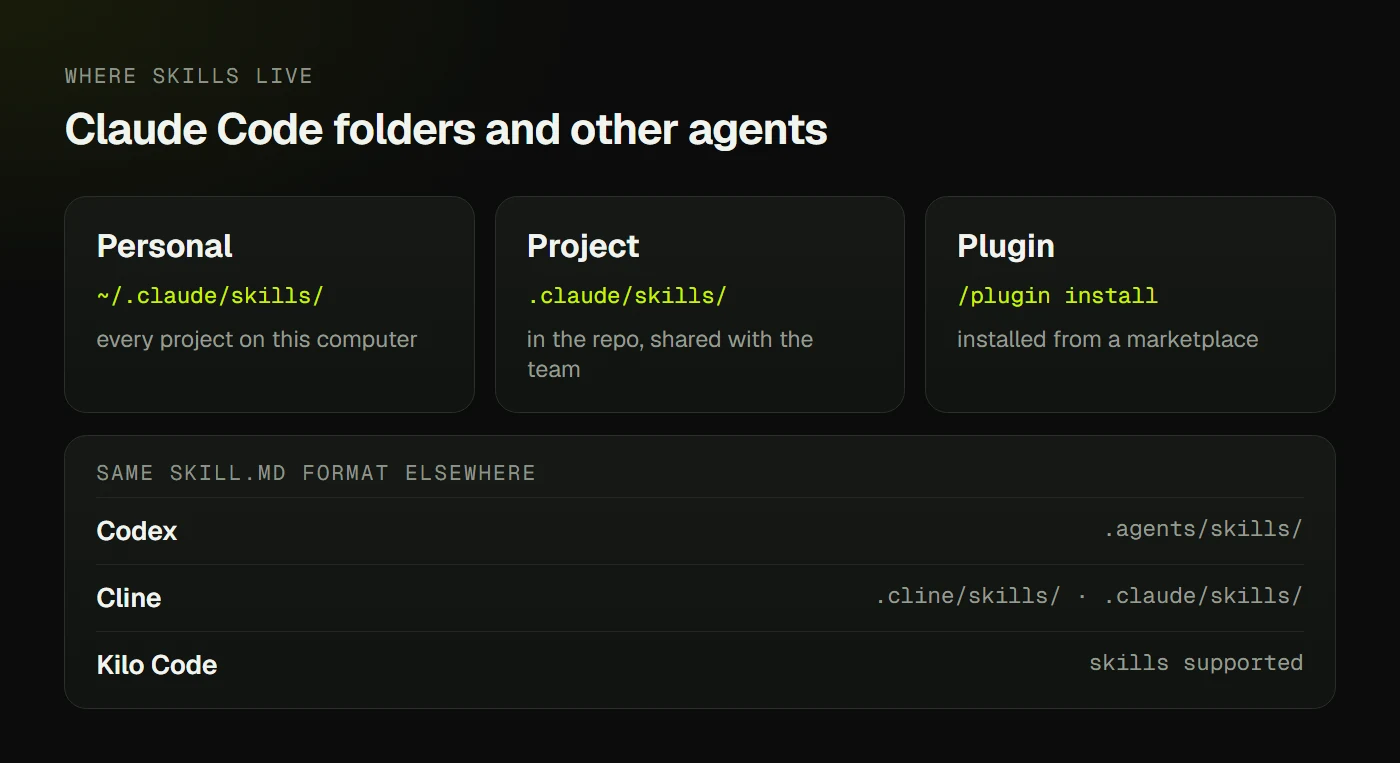
Claude Code looks for skills in two folders. Personal skills live in ~/.claude/skills and work in every project on your computer. Project skills live in .claude/skills inside the repository and reach the whole team together with the code.
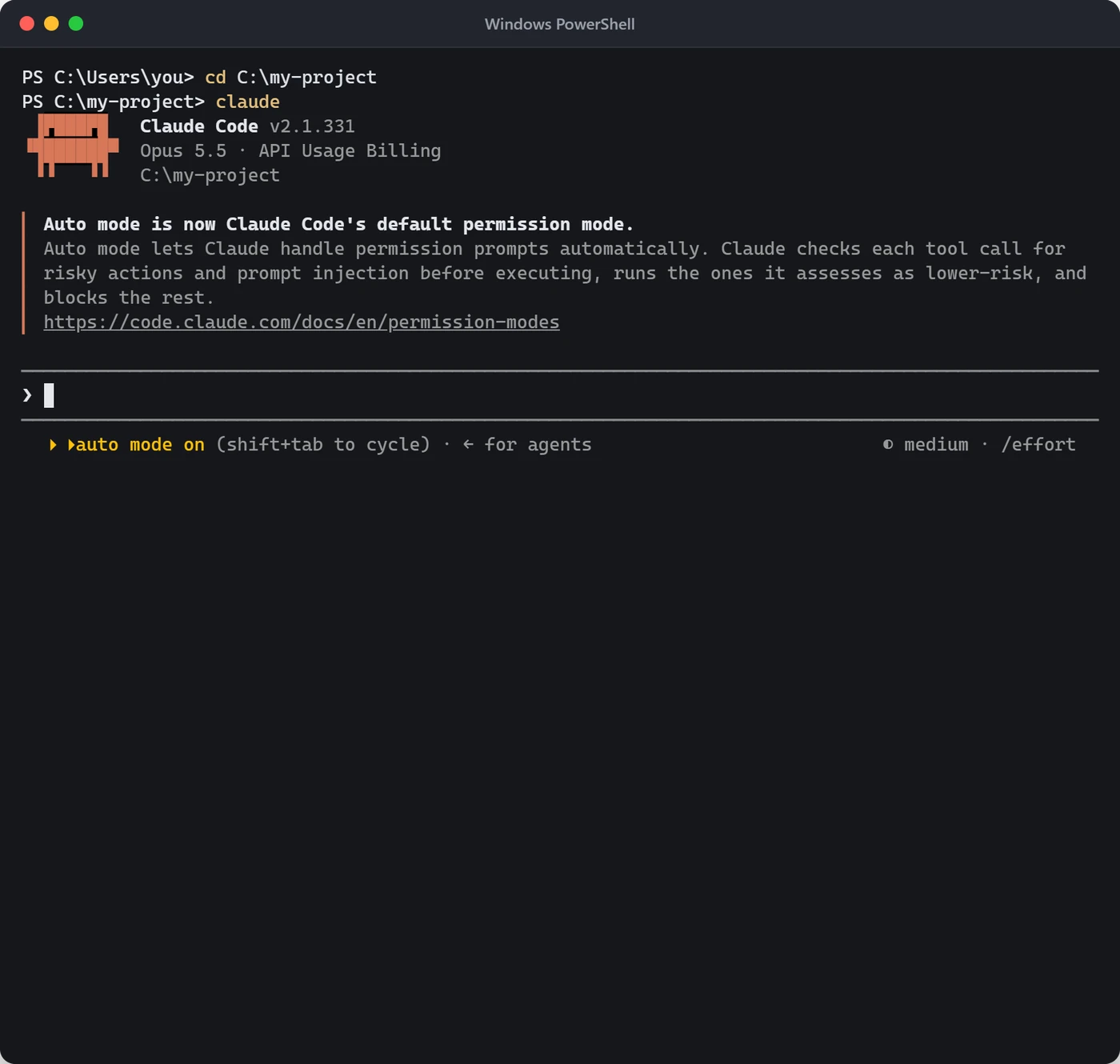
There are two ways to call a skill. The first is a slash and the folder name, for example /review-pr, just like any command. The second is to describe the task in words and let Claude pick the skill whose description matches.
If a skill should only run when you call it, a header field turns off automatic use. Another field limits which tools the skill may use. Older custom commands in .claude/commands now work as skills too.
Claude skills on GitHub and in a marketplace
The easiest way to add ready-made skills is through plugins. In Claude Code, /plugin marketplace add connects a catalog, and /plugin install then adds skills from it. A plugin skill is called with the plugin name in front, so it never clashes with your own.
A large set of examples lives in the anthropics/skills repository on GitHub: working with documents, spreadsheets, slides and more. You can add it as a marketplace with one command or simply copy the folder you need into ~/.claude/skills.
Skills and Claude agents
Agents in Claude Code are helpers with their own context that the main session hands a separate task to. A skill, by contrast, is an instruction that plugs into the current conversation. You can combine them: context: fork in the header runs a skill in a separate agent so long work does not clutter the main chat.
The SKILL.md format is open, so other programs understand the same skills. Codex looks in .agents/skills, Cline in .cline/skills and .claude/skills, and Kilo Code has skills support too. More on those tools in Claude Code vs Codex and Cline, Kilo Code and Roo Code.
FAQ
Do I need to code to write a skill?
No. A skill is a text file with instructions in plain language. You can even ask Claude Code to draft the first version from your description.
Do skills work through Hummbit?
Yes. Skills are stored and read on your computer, and the model receives their text like any other request. Connection setup is on the Claude Code page.
How is a skill different from CLAUDE.md?
CLAUDE.md is read at the start of every session and describes the whole project. A skill loads only when needed and describes one specific task.
Where do I start?
Sign up, connect Claude Code with the steps on the getting started page, and create your first folder in .claude/skills with a short SKILL.md.