Cline, Kilo Code and Roo Code with Claude
Set up Cline and Kilo Code in VS Code with a Claude API key and base URL, compare their modes, and see what happened to Roo Code.
· 4 min read
Cline, Kilo Code and Roo Code are three VS Code extensions that turn the editor into a coding agent. They read your project, propose edits and run commands, using whichever model you connect. This guide covers how they differ, how to connect Claude models with an API key and a base URL, and what Roo Code users should do now.
If you prefer the terminal, see Claude Code vs Codex, which covers the same kind of work without an editor.
The three extensions today
All three projects are related. Roo Code started as a fork of Cline, and Kilo Code took ideas from both and added its own. That is why the interfaces feel similar while the details differ.
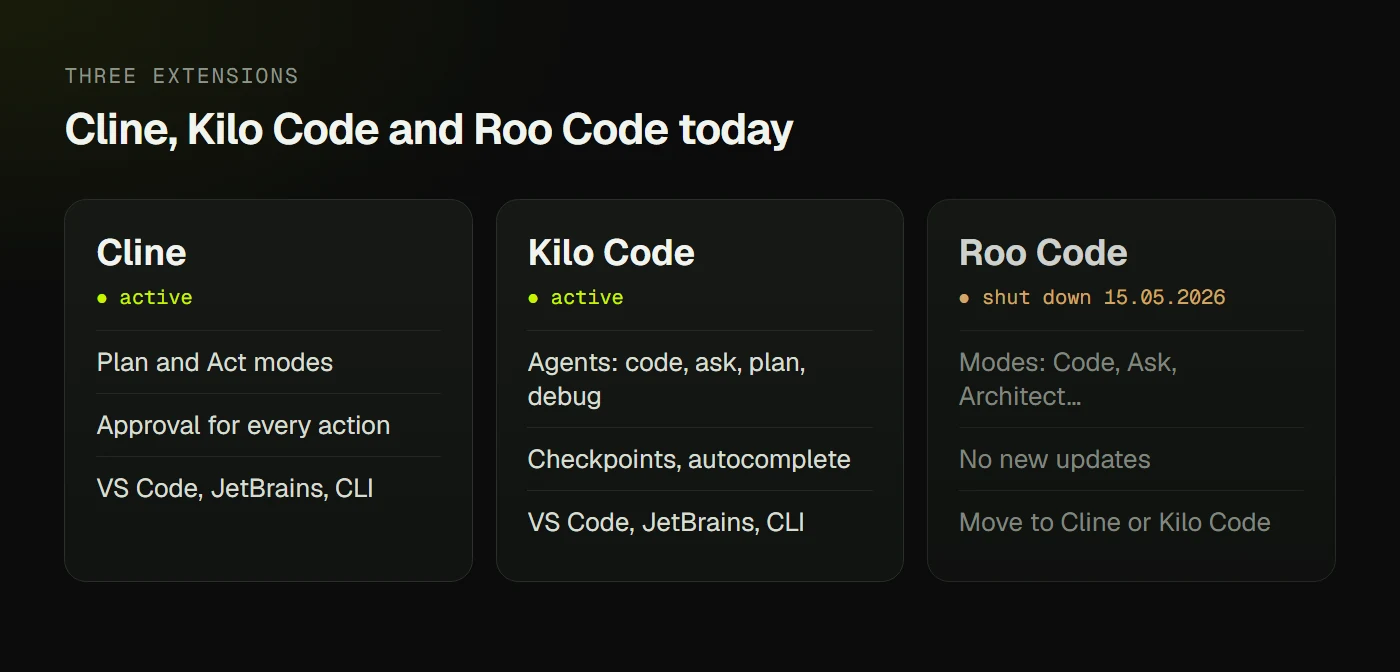
| Extension | Working modes | Where it runs | State |
|---|---|---|---|
| Cline | Plan and Act | VS Code, JetBrains, terminal | active |
| Kilo Code | code, ask, plan, debug agents | VS Code, JetBrains, terminal | active |
| Roo Code | Code, Ask, Architect, Debug, Orchestrator | VS Code | shut down on May 15, 2026 |
What is Cline
Cline is an open source extension that lives in the editor sidebar. It has two modes. In Plan mode the agent studies the project and discusses a solution with you but does not touch files. In Act mode it carries out the plan: it edits code and runs commands.
Switching modes keeps the conversation history, so the plan is not lost. You can also use a different model for each mode, for example a stronger one for planning and a faster one for edits. By default every action needs your approval.
Besides VS Code, Cline runs in JetBrains editors and as a standalone terminal program installed with npm. The settings are the same as in the extension.
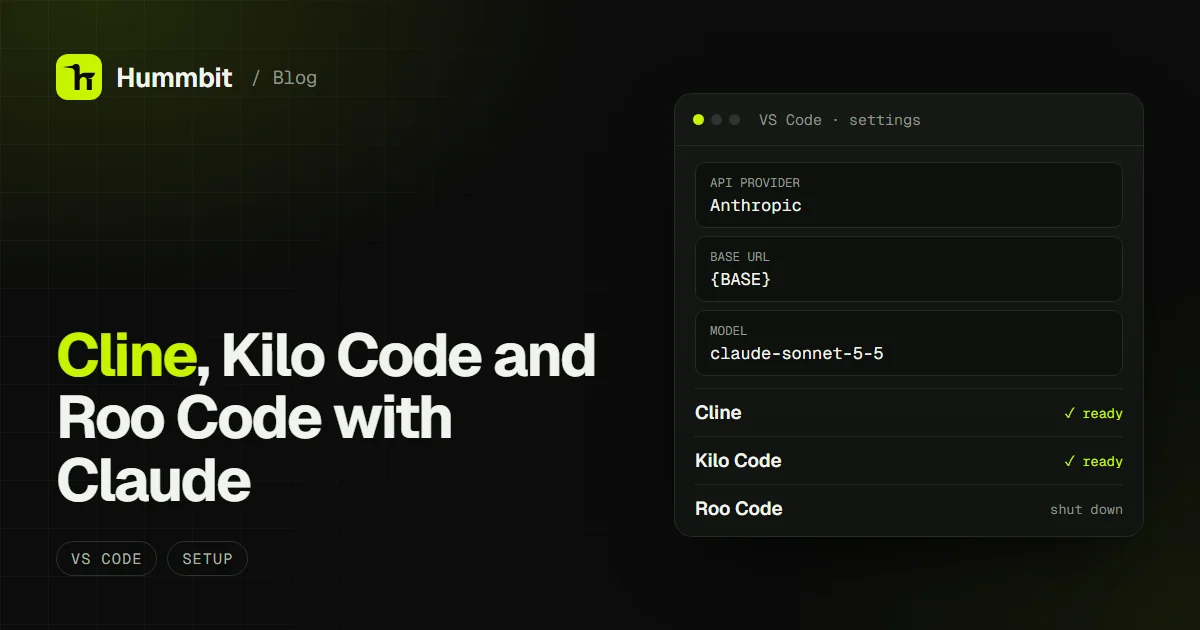
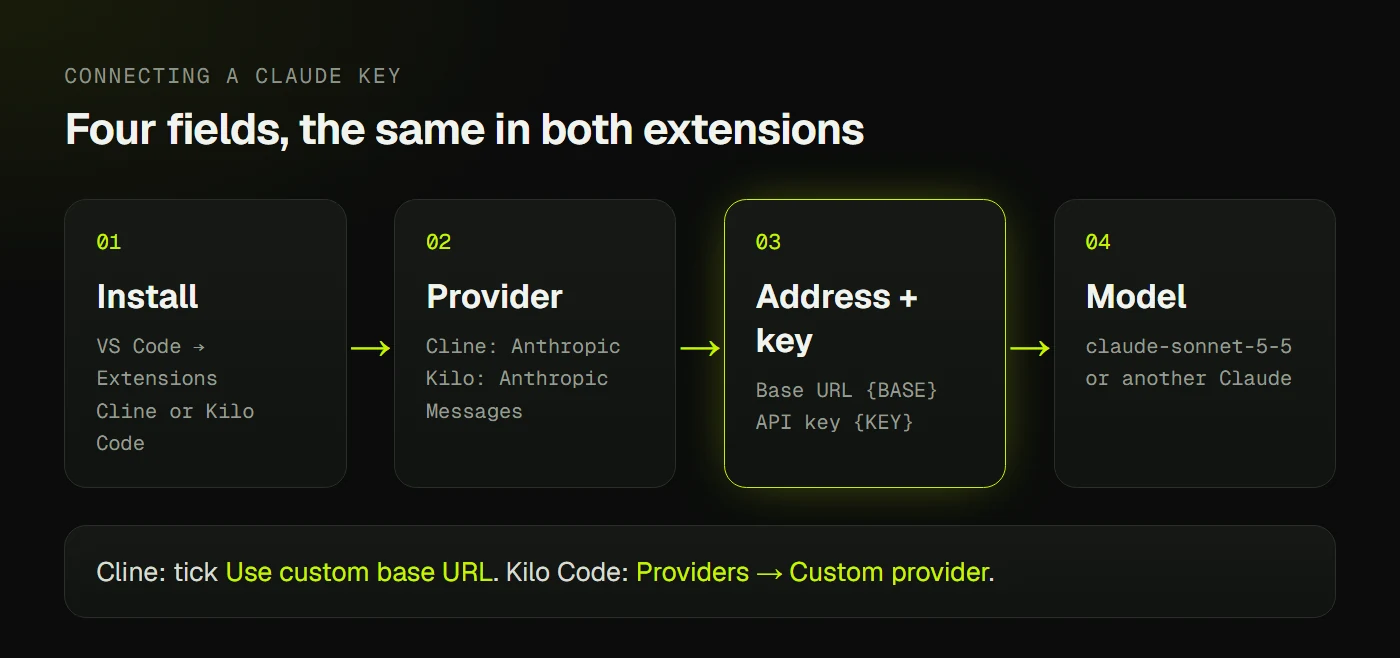
Cline Anthropic API key and base URL
Connecting takes a couple of minutes. Install Cline from the extensions panel and open its sidebar.
- Click the gear icon in the Cline panel.
- Set "API Provider" to Anthropic.
- Paste the key from your dashboard into "Anthropic API Key".
- Tick "Use custom base URL" and enter the address from your dashboard.
- Pick a model, for example claude-sonnet-5-5.
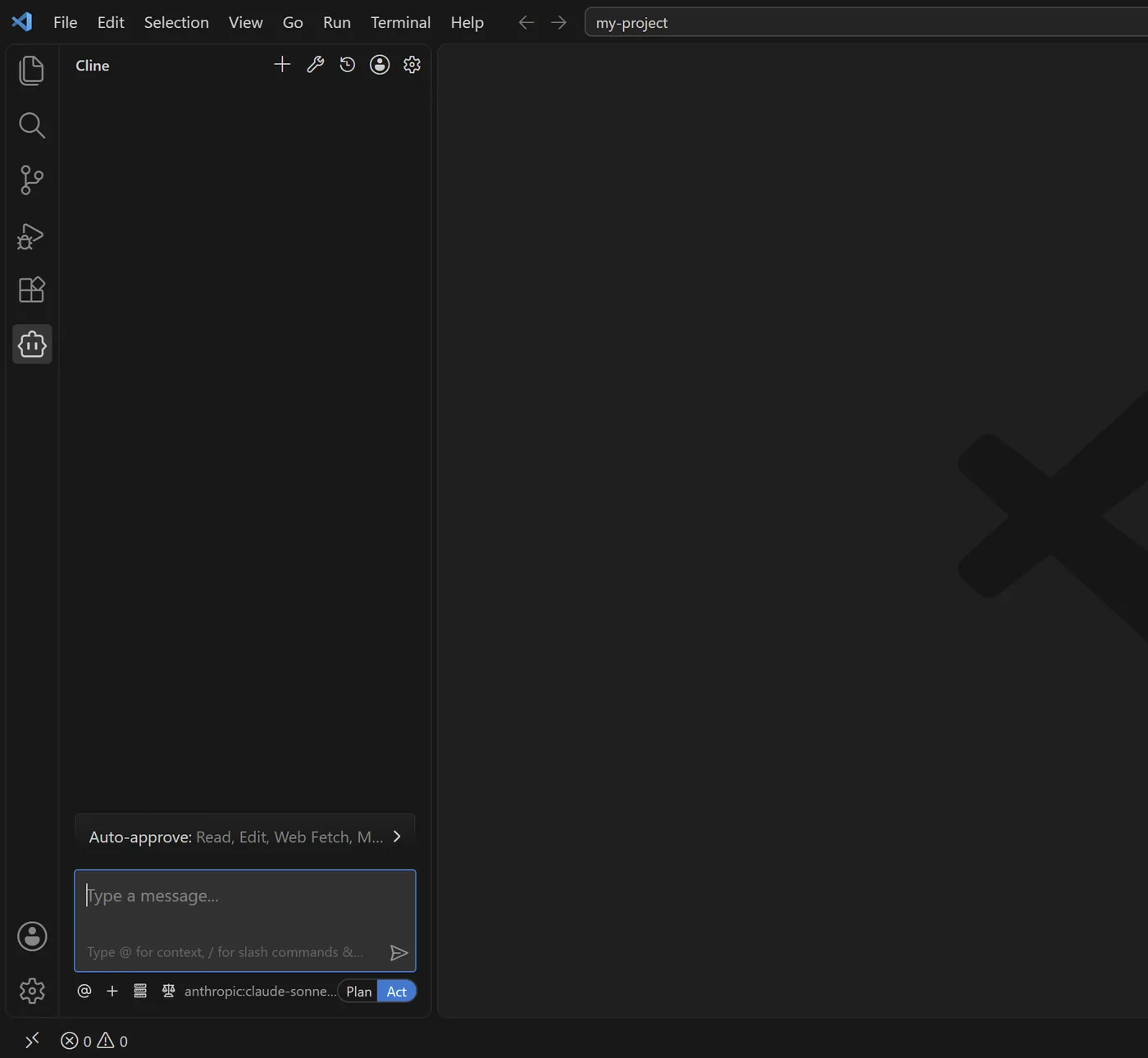
Once saved, type a simple task in the box at the bottom. The Plan and Act switch sits right there, next to the model name.
Kilo Code API key setup
Kilo Code works through agents. The code agent is the default and edits files, ask only reads the project and answers questions, plan writes a plan and only changes files in its own folder, and debug helps track down bugs. Switch agents from the chat selector, with the /agents command or with Ctrl and the period key.
Kilo Code also has checkpoints you can roll the project back to, plus inline code autocomplete. Connecting a Claude model is done in settings:
- Open Kilo Code settings and go to Providers.
- Add a custom connection and set its type to Anthropic Messages.
- Enter the base URL and API key from your dashboard.
- Add a model, for example claude-sonnet-5-5, and save.
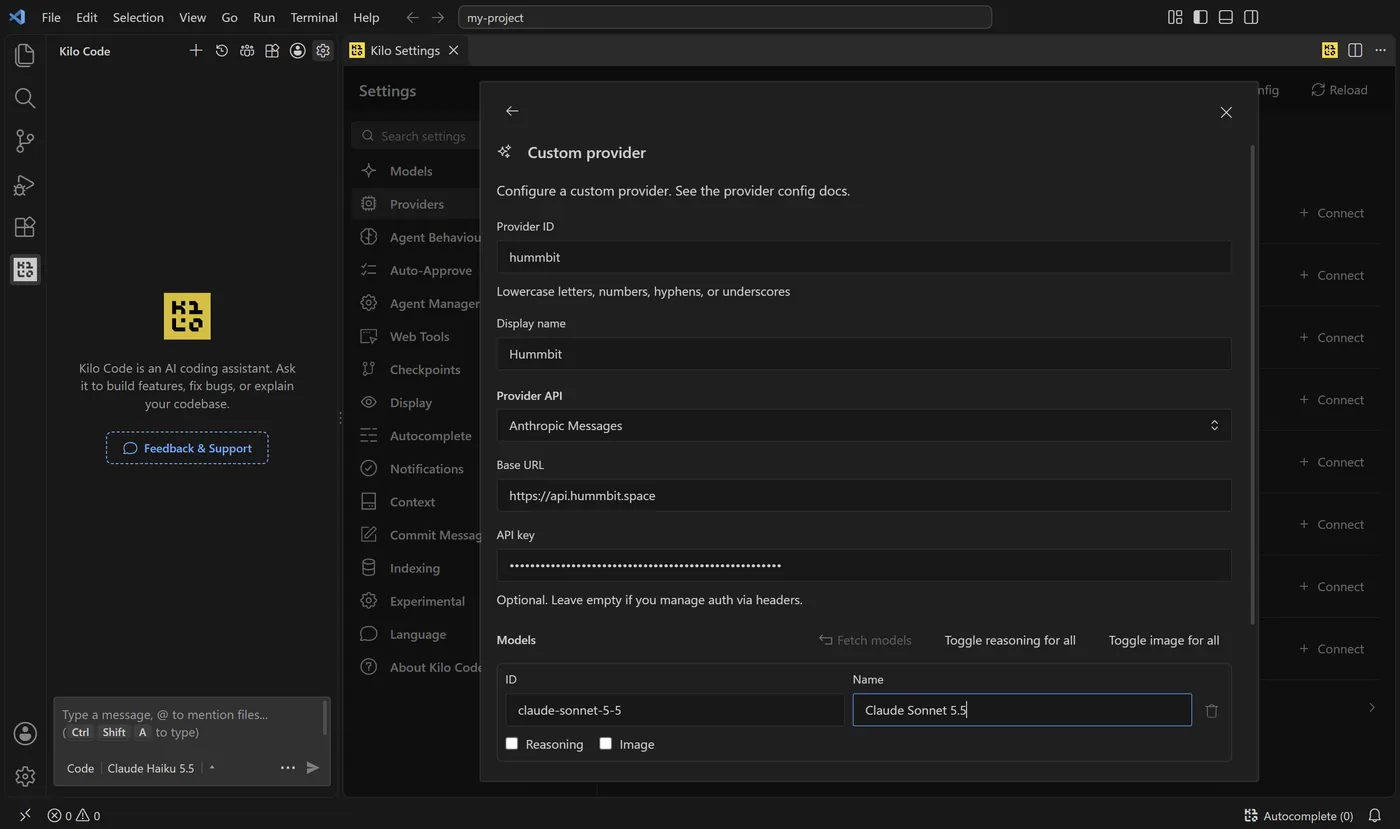
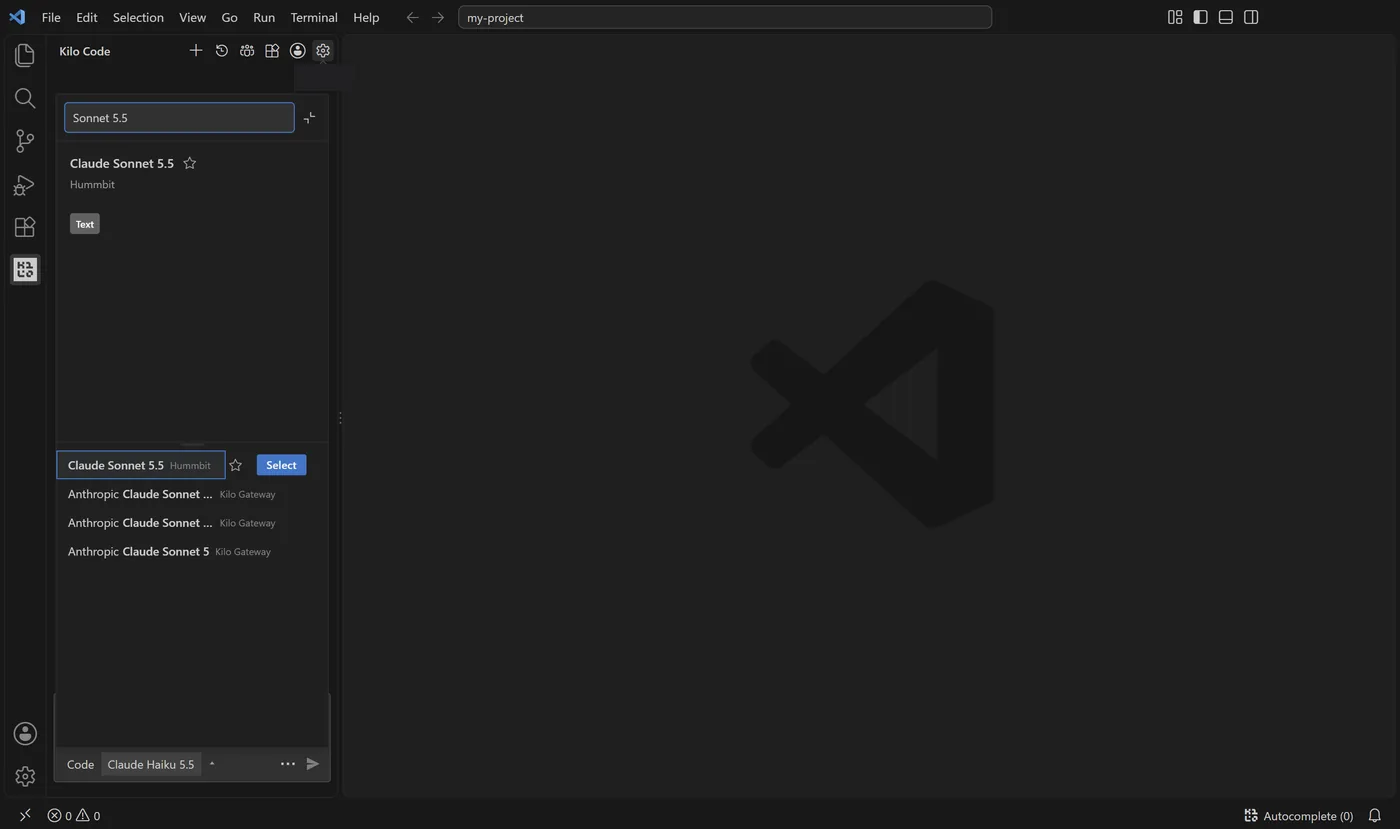
Detailed guides with a screenshot of every window are on the Cline, Cline in the terminal and Kilo Code pages.
Roo Code and Claude: what happened
The Roo Code extension was shut down on May 15, 2026, and no new versions will ship. An installed copy may keep working for a while, but do not expect fixes or support for new Claude models.
The easiest move is Cline, the project Roo Code grew out of. If you liked the Architect and Orchestrator modes, Kilo Code and its agents will feel closer. There is also a community continuation of Roo Code called ZooCode.
FAQ
Cline or Kilo Code?
Cline is simpler: two modes and approval for every step. Kilo Code adds more agents, checkpoints and autocomplete. Both work with the same key, so you can try each one.
Which Claude model should I use?
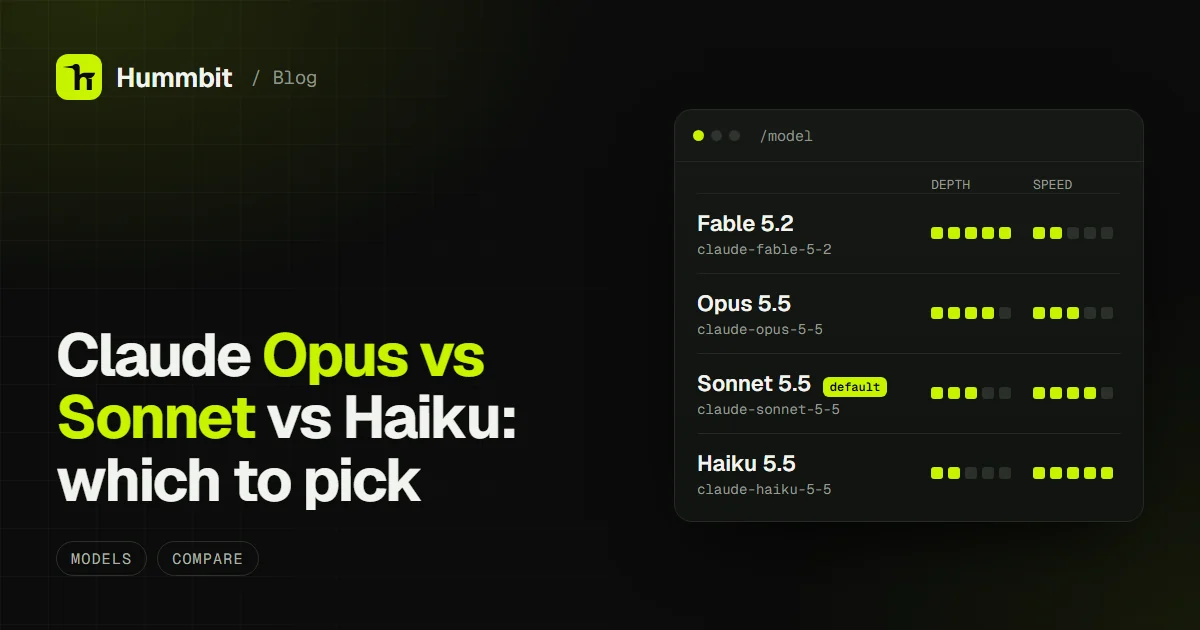
Sonnet covers everyday work, and Opus is better for complex planning. See the full comparison in Claude Opus vs Sonnet vs Haiku.
Do these extensions support skills?
Yes. Cline and Kilo Code read folders with a SKILL.md file, just like Claude Code. The format is covered in Claude Skills.
Where do I start?
Sign up, copy the address and key from your dashboard and follow the getting started page. Other apps are listed in all setup guides.