Claude Code vs Codex: which is better
Claude Code vs Codex CLI compared: what Codex CLI is, how the two agents differ on safety, project files and skills, and how to run both with Claude.
· 5 min read
Claude Code vs Codex is the comparison most developers make once they try an agent in the terminal. Both read your project, edit files and run commands on their own, yet they are built around different ideas. This guide explains what Codex CLI is, compares the two point by point and shows how to run both with Claude models.
New to Claude Code itself? Start with what Claude Code is and how to use it.
What is Codex CLI
Codex CLI is a coding agent from OpenAI that runs in your terminal. Its source code is open under the Apache-2.0 license, so anyone can read how it works. You install it with a single npm command, and on Windows there is also a PowerShell install script.
Beyond the terminal, Codex is available as an editor extension, inside the ChatGPT app and as a cloud version that runs tasks on a remote machine. Settings live in ~/.codex/config.toml, and a project can carry its own file in a .codex folder. That project file is only read once you mark the folder as trusted.
Claude Code vs Codex: side by side
Both agents take plain-language tasks, see the whole project folder and ask before risky actions. The differences are in the details: where project rules live, how safety works and where else you can run the agent.
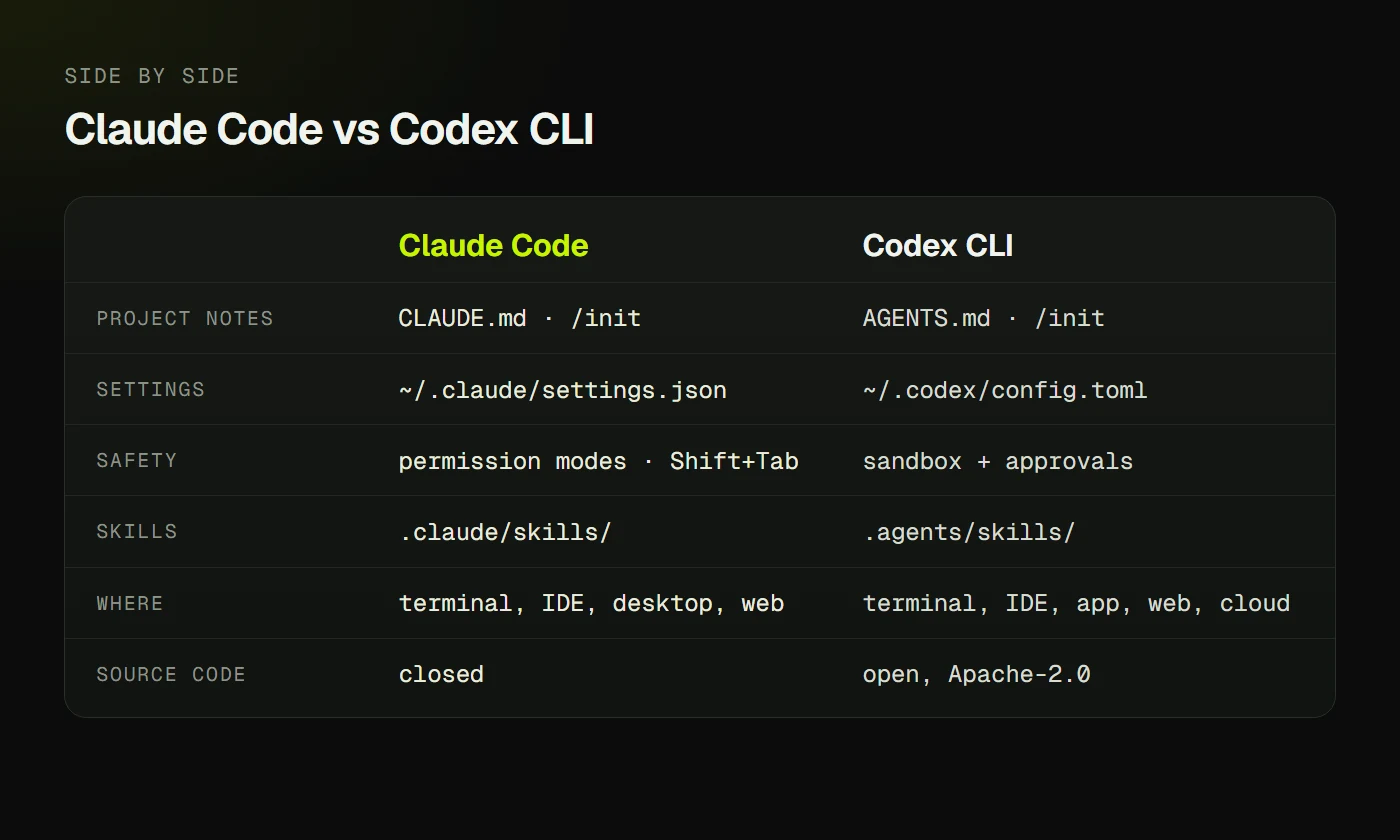
| Point | Claude Code | Codex CLI |
|---|---|---|
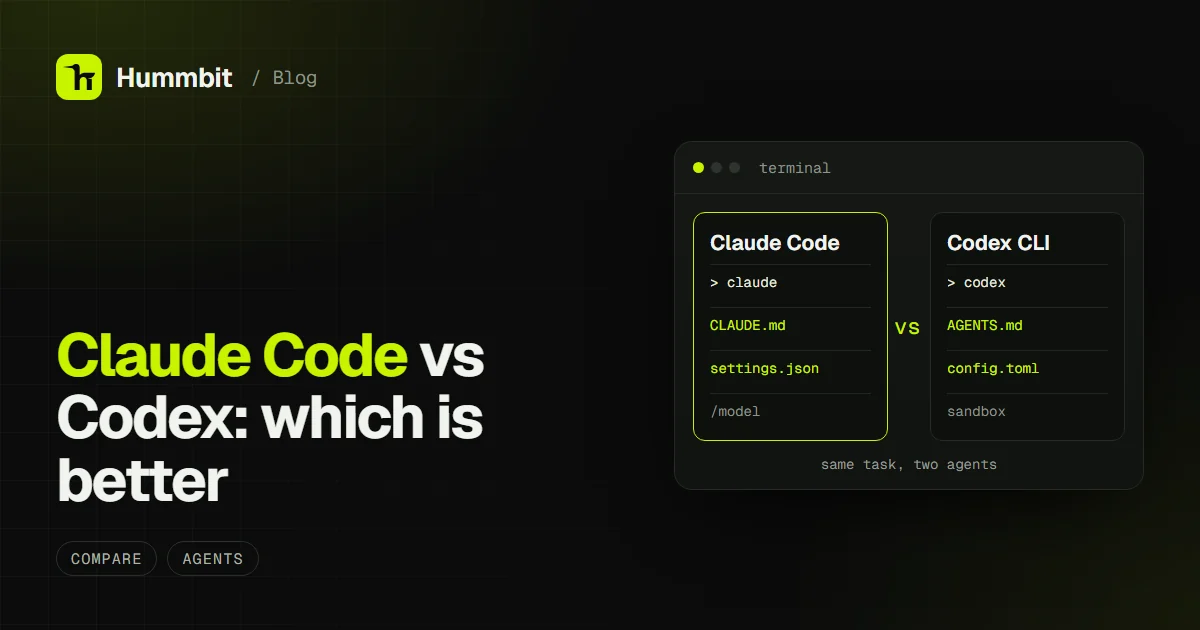
| Project rules | CLAUDE.md, created with /init | AGENTS.md, also via /init |
| Settings file | ~/.claude/settings.json | ~/.codex/config.toml |
| Safety | permission modes, Shift+Tab | sandbox plus approval policy |
| Skills | .claude/skills folder | .agents/skills folder |
| Where it runs | terminal, editor, desktop app, web | terminal, editor, app, cloud |
| Source code | closed | open, Apache-2.0 |
In short, these are two mature tools with different priorities. Claude Code leans on flexible permission modes and deep integration with Claude models. Codex leans on an OS-level sandbox and open source code.
Safety: permission modes and the sandbox
Claude Code has six permission modes. In default mode it asks before every edit and command, in acceptEdits it accepts file changes on its own, and in plan mode it only reads the project and writes a plan. You cycle through modes with Shift+Tab while it works.
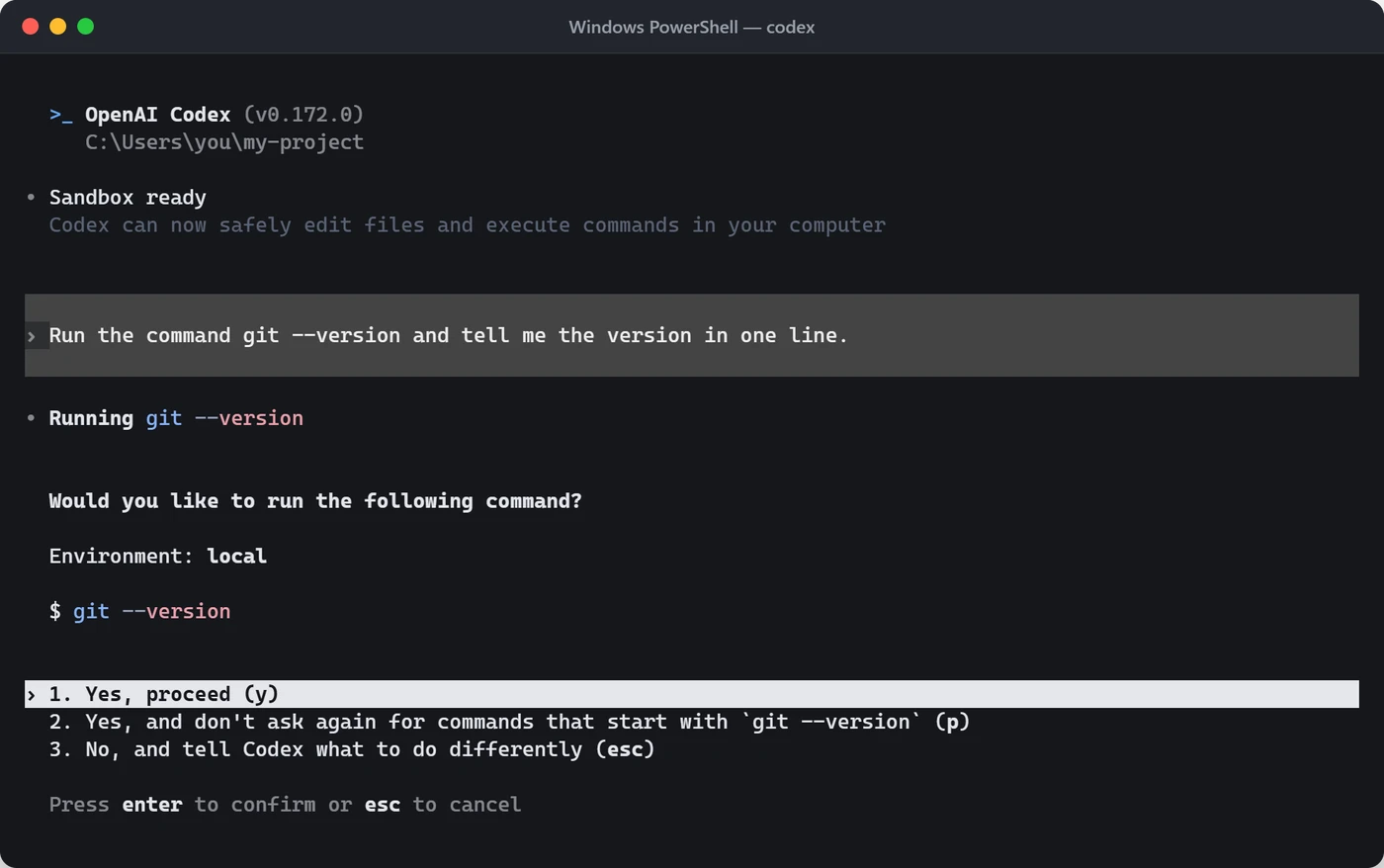
Codex splits safety into two settings. The first is the sandbox: read-only, write access inside the workspace, or full access. The second is the approval policy: ask on request, or never ask.
Project files: CLAUDE.md and AGENTS.md
Both agents read a plain text file with project rules: how to run tests, which code style to follow, what not to touch. Claude Code uses CLAUDE.md, Codex uses AGENTS.md. In both cases the /init command drafts the first version for you.
Codex merges these files from the repository root down to the current folder, so a module can keep its own rules next to its code. By default the combined size is capped at 32 KiB, and anything beyond that is not read. If your team uses both agents, keep shared rules in one file and point to it from the other.
Running Codex with Claude models
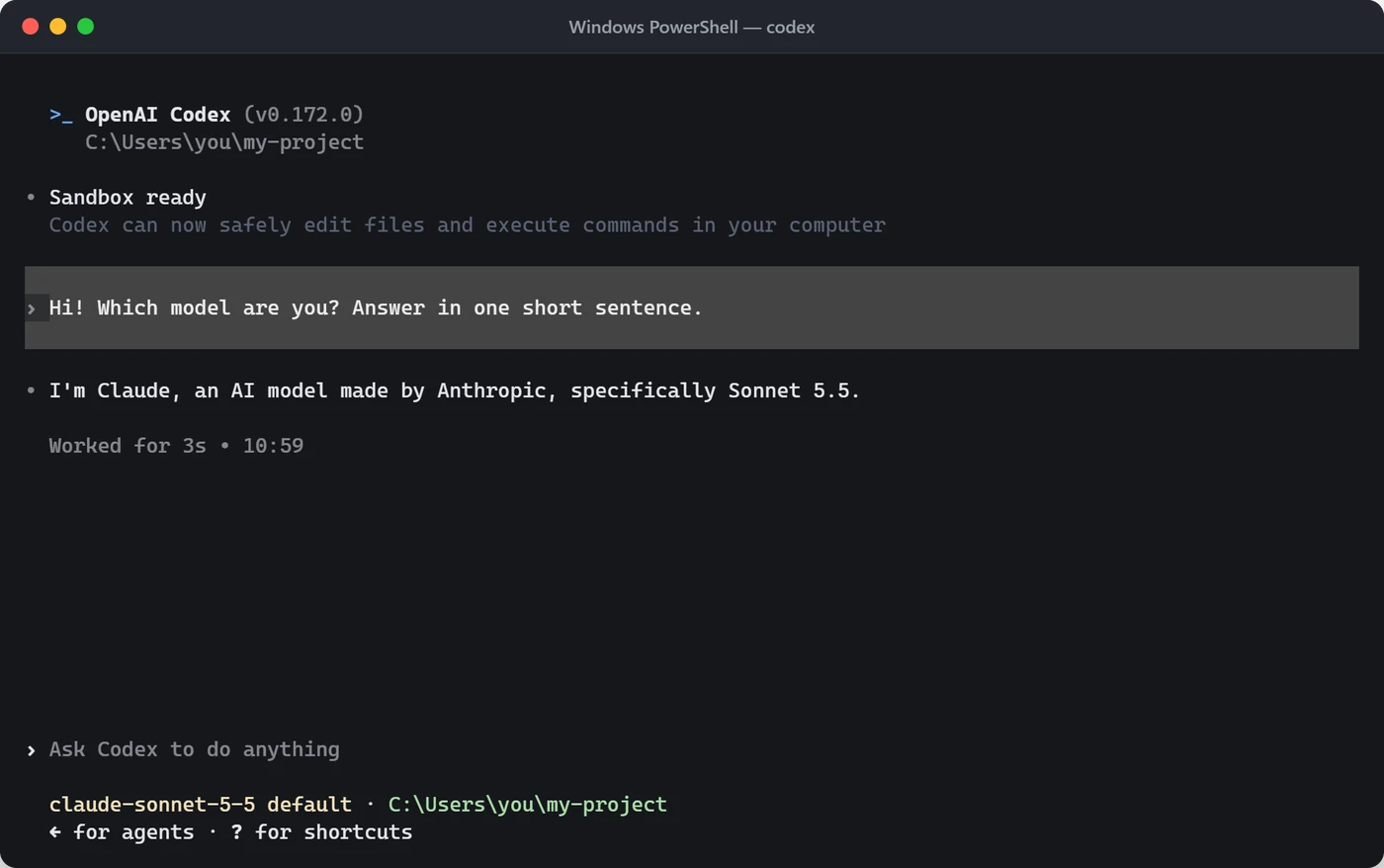
Codex is not limited to OpenAI models. Through Hummbit you can run it with Claude models: the address and key go into its settings, and you pick the model with the -m flag at launch.
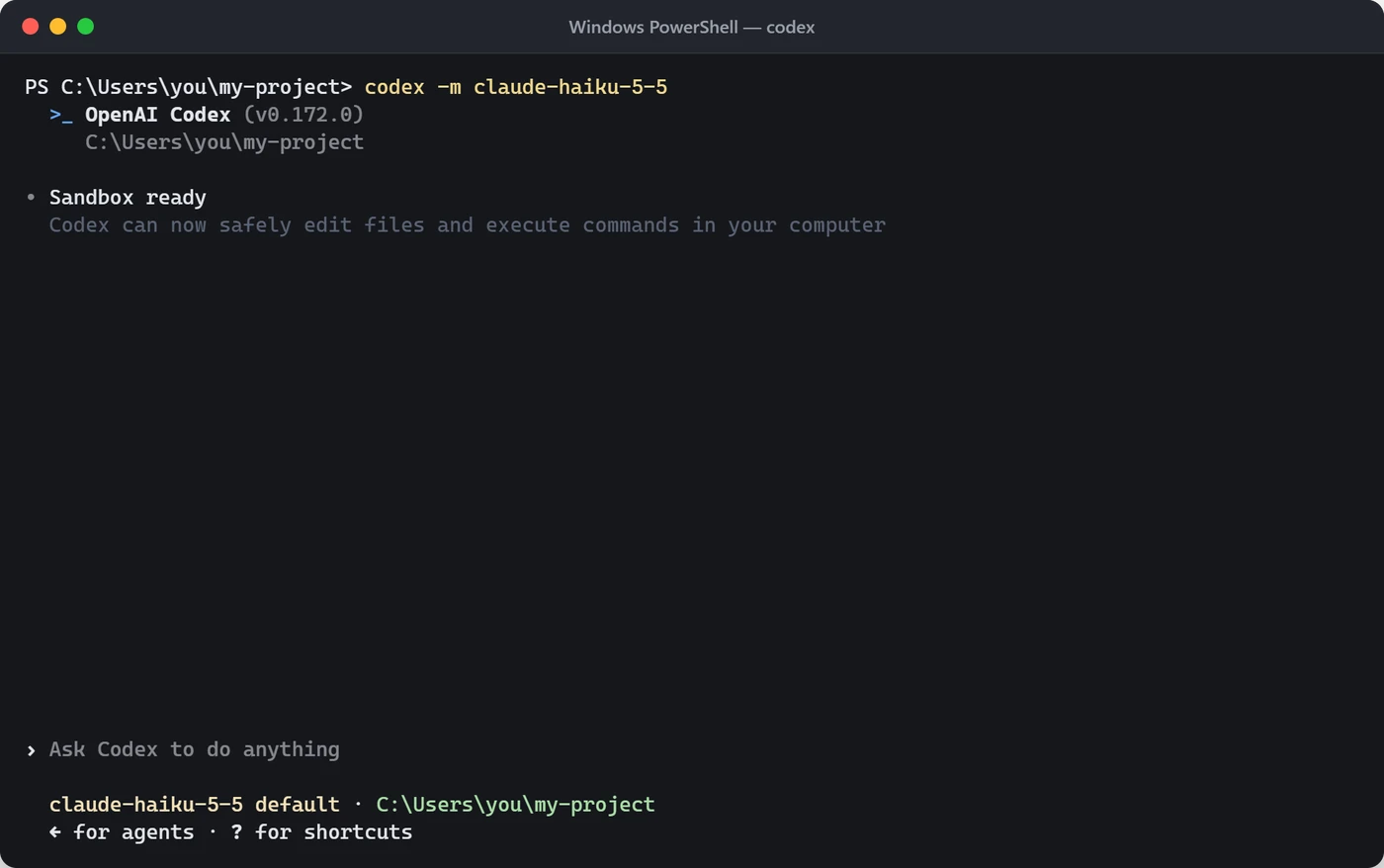
Step-by-step setup with ready commands is on the Codex CLI page. The same guide for Claude Code is on the Claude Code page, and Claude Code with an API key explains what connecting by key actually changes.
Which one to choose
Choose Claude Code if you want the most out of Claude models: skills, plugins, plan mode, and the same engine in the terminal and the desktop app. Choose Codex if open source code, a strict sandbox or an existing AGENTS.md workflow matters more to your team.
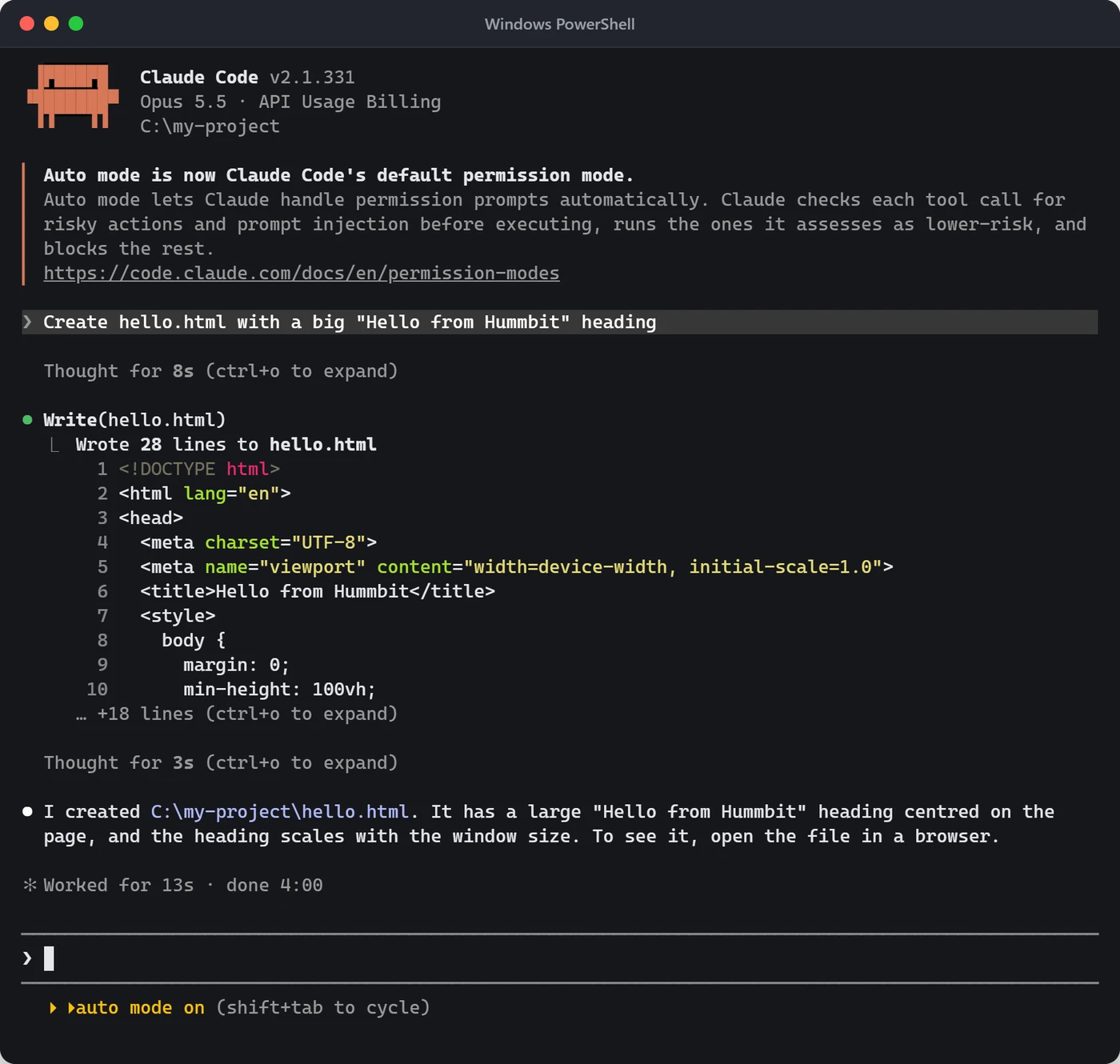
Nothing stops you from keeping both. One Hummbit key works with Claude Code and with Codex, so you can give the same task to each and compare the result on your own project. For picking the model behind either agent, see Claude Opus vs Sonnet vs Haiku.
FAQ
Is Codex better than Claude Code?
There is no single winner. Output quality depends more on the model and on how well your project rules are written than on the program itself. The simplest test is to run both on the same task.
Can Claude Code use AGENTS.md?
Claude Code reads its own CLAUDE.md. If your rules already live in AGENTS.md, reference that file from CLAUDE.md and Claude will read both.
Do skills work in both agents?
Yes, the format is the same: a folder with a SKILL.md file. Only the folder the agent searches differs. More in Claude Skills: what they are and how to use them.
Where do I start?
Sign up, copy your key from the dashboard and follow the steps on the getting started page. Other apps that work with the same key are listed in all setup guides.