Claude Opus vs Sonnet vs Haiku: which to pick
Claude Opus vs Sonnet vs Haiku: a Claude models comparison table, the best Claude model for coding, Claude model IDs and a simple rule to pick one.
· 5 min read
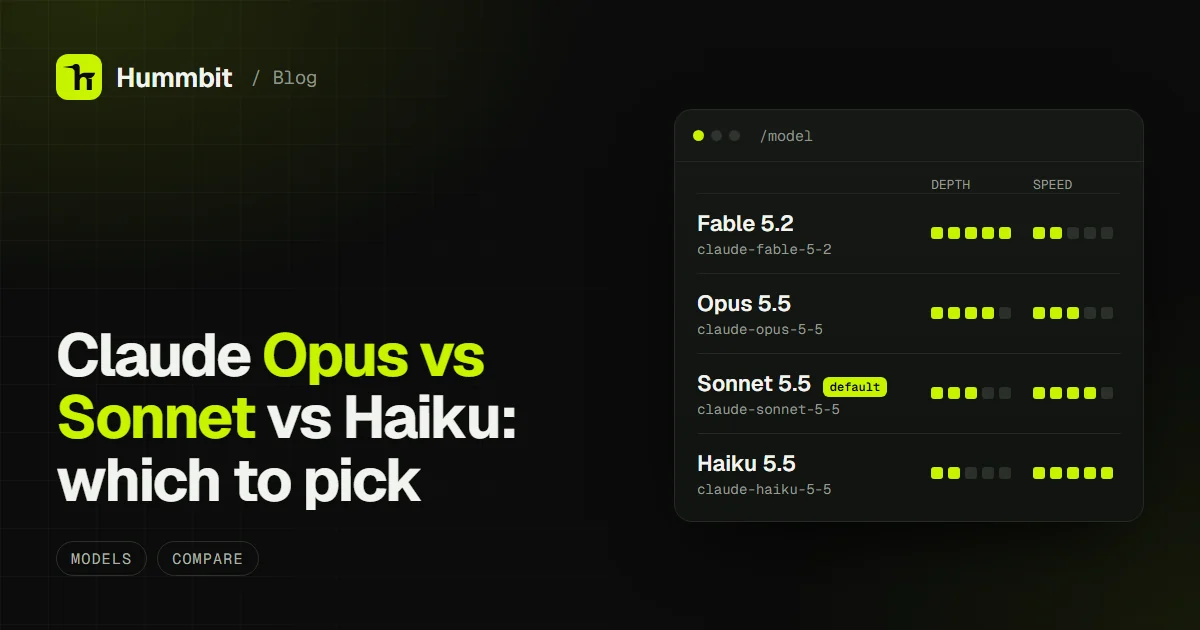
Claude Opus vs Sonnet is the first choice you face in any coding tool, and the same list also offers Haiku 5.5 and Fable 5.2. All four share the same API, the same message format and the same tools, so switching between them is a one-line change. What differs is how deeply they reason, how fast they answer and how much work they can carry on their own.
This post gives a Claude models comparison in one table, explains which is the best Claude model for coding and ends with a simple rule of thumb. All four are available with the same key, and you can switch between them at any time.
Claude models comparison
| Model | Model ID | Best for |
|---|---|---|
| Fable 5.2 | claude-fable-5-2 | The hardest reasoning and long, multi-step agent work |
| Opus 5.5 | claude-opus-5-5 | Long agentic coding sessions and complex knowledge work |
| Sonnet 5.5 | claude-sonnet-5-5 | The everyday default for coding, writing and analysis |
| Haiku 5.5 | claude-haiku-5-5 | Fast answers, high volume and sub-agents |
All four have a context window of up to one million tokens and can write up to 128,000 tokens in a single answer. Most coding apps set the answer size lower, around 32,000 tokens, which is plenty for normal work.
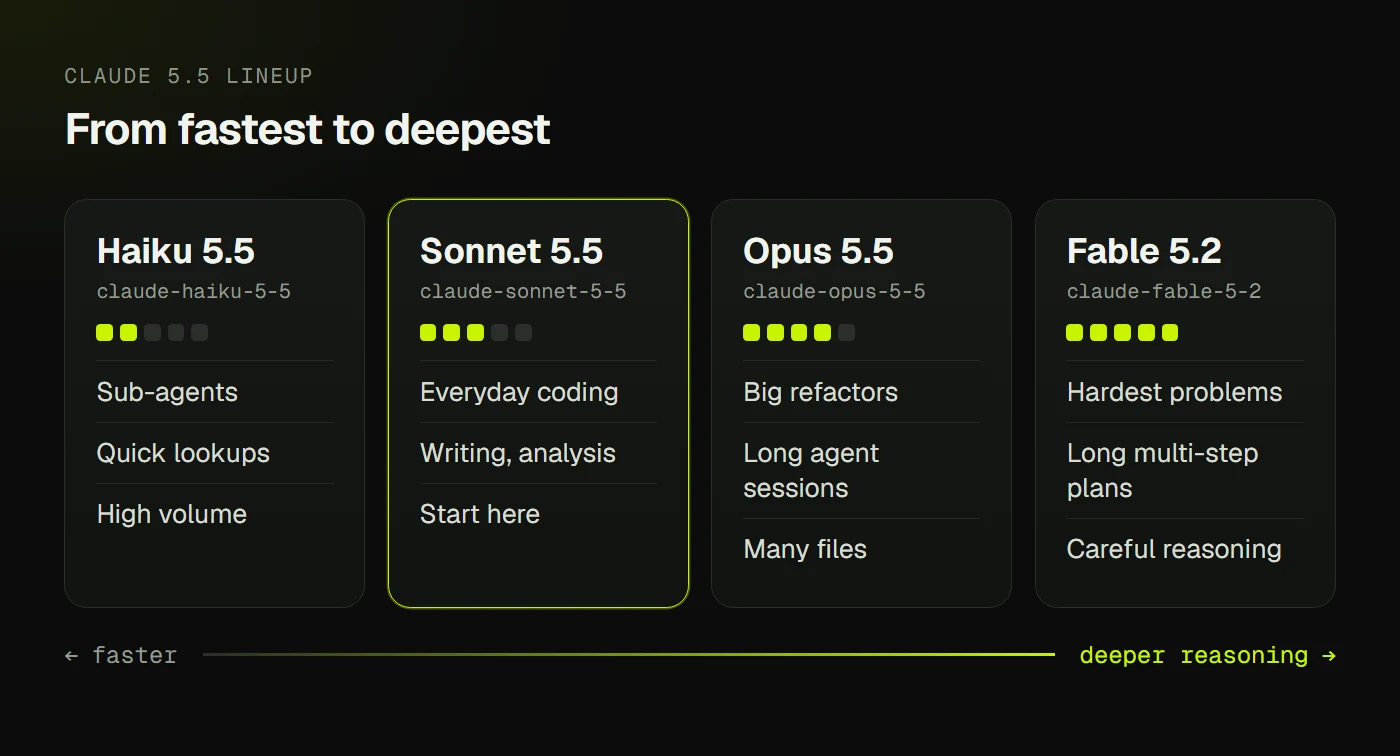
Claude Opus vs Sonnet: which is better for coding
In short: Sonnet is better for everyday work, Opus for long and complex tasks. Both write code well; the difference is how much work the task needs the model to carry on its own.
Sonnet 5.5 is the everyday default. It is fast enough for interactive work, strong enough for most coding tasks and good at following detailed instructions. It uses adaptive thinking: on simple requests it answers right away, and on harder ones it takes time to reason first, without you having to set anything.
Opus 5.5 is built for long-running agentic coding and knowledge work. In Claude Code, it is a strong choice for large refactors, migrations across many files, and sessions where the agent has to read a lot of code, make a plan and carry it out step by step.
A good pattern is to use Opus as the main model for serious project work and switch to Fable only when Opus gets stuck on something truly hard.
What makes Haiku different
Haiku 5.5 is the fastest model. It fits tasks where speed and volume matter more than depth: classifying text, extracting fields, short answers, quick lookups in a codebase. It is also a natural fit for sub-agents, the helpers that a main agent sends off to search files or summarize results while it keeps working on the main task.
Fable 5.2: when you need the strongest model
Fable 5.2 is the most capable model in the lineup. It is the one to reach for when a task needs careful reasoning over many steps: designing a system, finding a subtle bug that spans several services, or running an agent that has to plan, check its own work and keep going for a long time without help.
The trade-off is speed. Fable thinks longer before it answers, so a task uses more tokens and takes more time. For a quick question or a routine edit, it is more model than you need.
Best Claude model for coding: how to choose
A simple rule of thumb for Claude Code and any other tool:
- Start every task on Sonnet 5.5.
- If the task is long and spans many files, or Sonnet keeps missing the point, move to Opus 5.5.
- If even Opus struggles, or the problem needs very careful reasoning, try Fable 5.2.
- For quick, repetitive or background jobs, use Haiku 5.5.
It also helps to look at the task, not the project. One session can use several models: Opus to plan a change, Sonnet to write the code, Haiku to run the searches.
Thinking on the 5.5 models
The 5.x models decide on their own how much to think. In the API you turn this on with thinking: {type: "adaptive"}, and the model chooses how long to reason for each request. Thinking tokens count as output tokens.
Switching models in your tools
- Claude Code: type
/modeland pick from the list. The choice applies to the current session. - API: change the
modelfield in the request. Nothing else needs to change. - Other apps: most have a model picker. The setup guides list the exact model names to enter in each app.
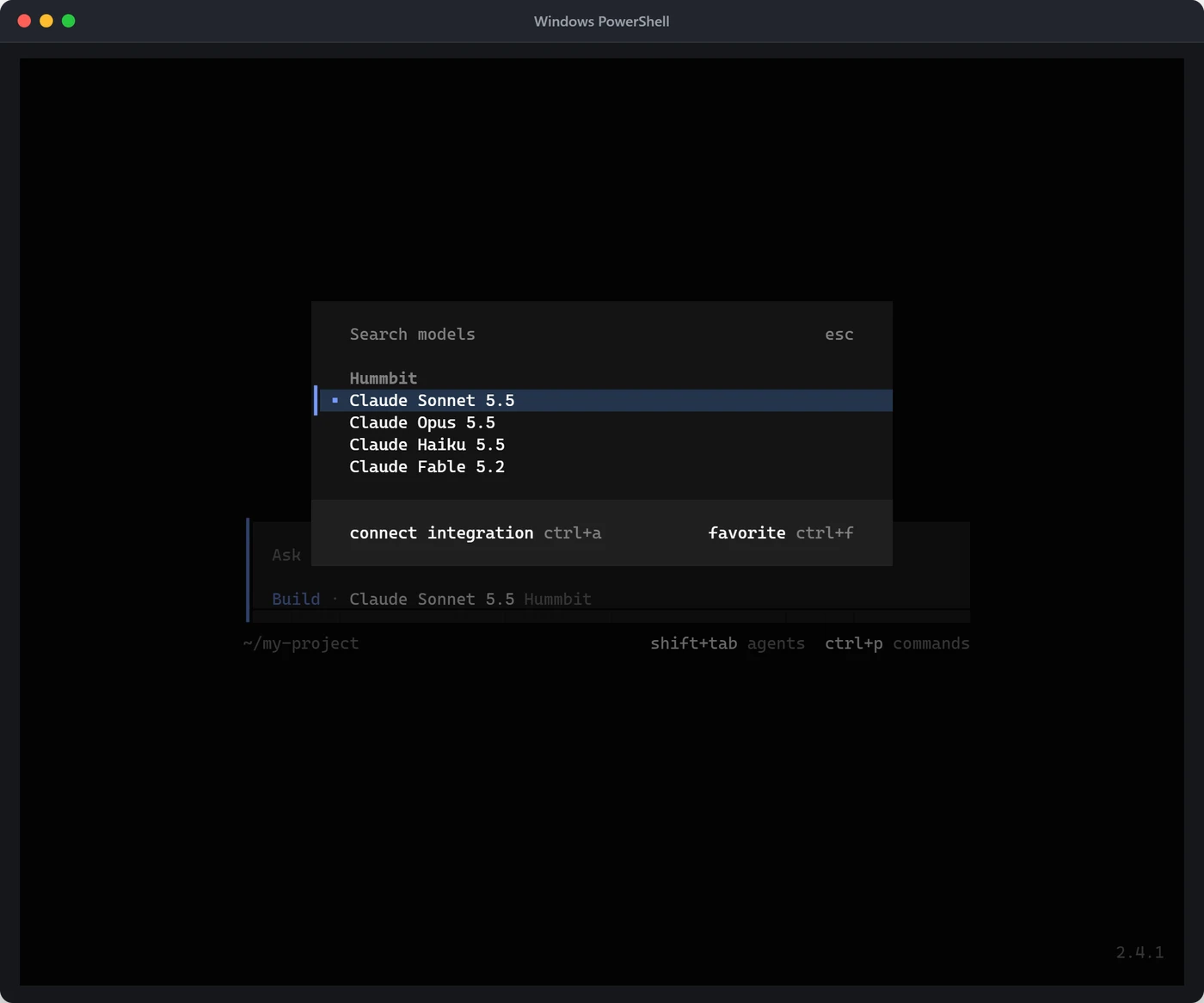
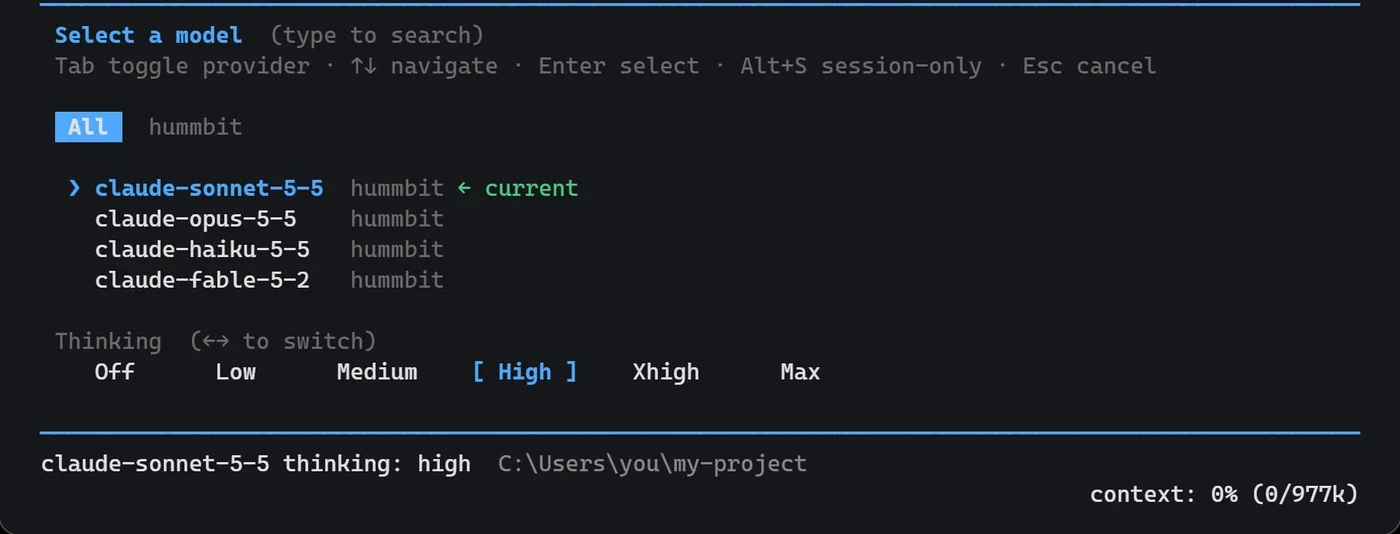
/model switches the model and the thinking level in one menu.Each model keeps its own prompt cache, so the first request after a switch writes the cache again. If you switch often in a long session, read how prompt caching works to keep that overhead small.
Claude model IDs your key can use
The /v1/models endpoint returns the list of models available to your key. It is a quick way to check the exact IDs before you put them into a config file. The docs describe the endpoint, and the step-by-step guide shows how to connect your first app. If you do not have a key yet, create an account.